Choose your workspace
On first use, select a directory in Choose workspace directory. Browse folders or enter an absolute path and click Open directory. The CLI directory is a starting location for the picker, not permission to automatically load every file in the current directory.
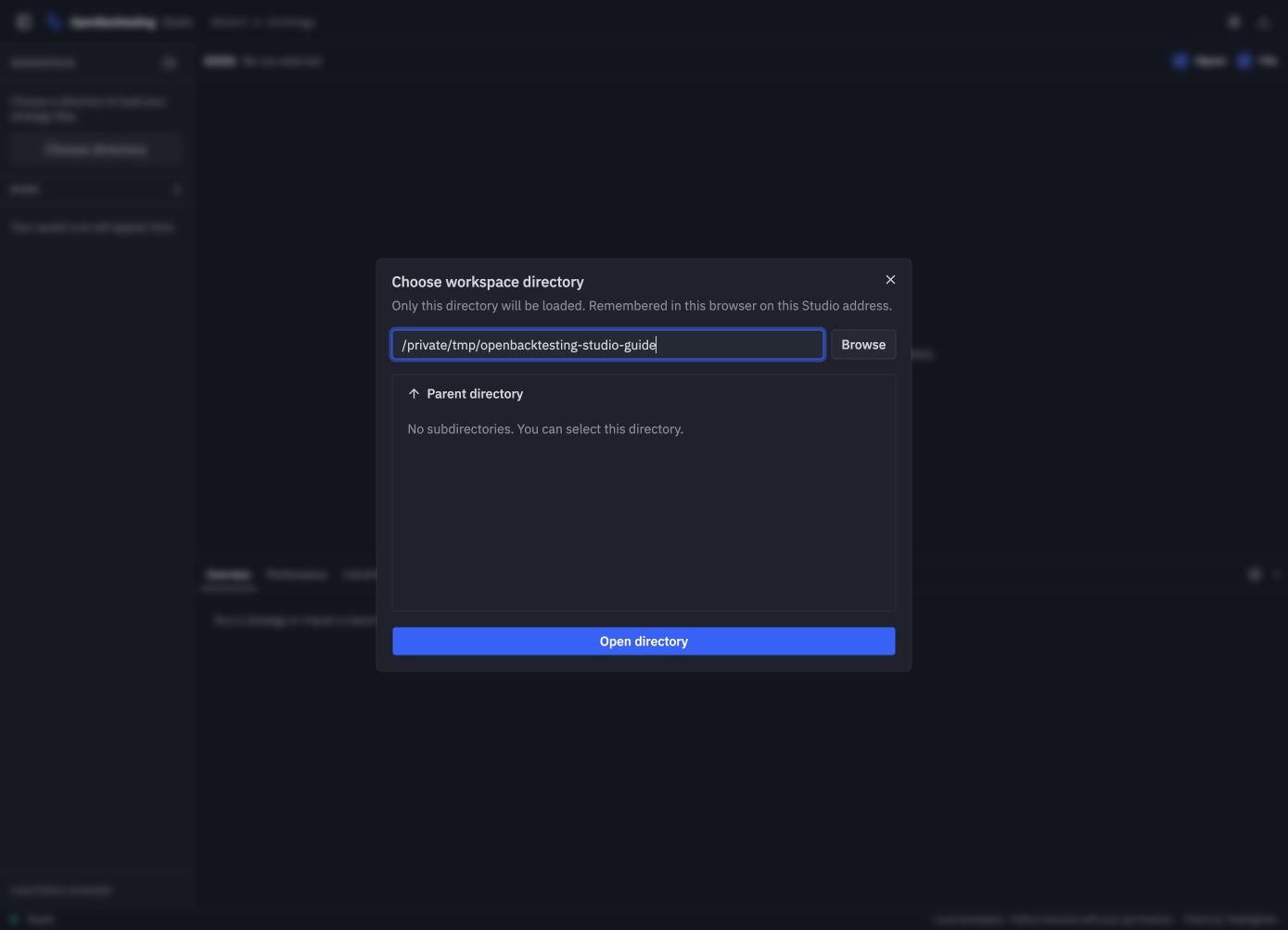
The screenshots use an isolated directory containing copies of the repository's example strategies. Your directory path and run IDs will differ.
Studio remembers the chosen path in browser localStorage (studio.workspace). Reloading or restarting at the same address restores it. A different port, hostname, browser profile, or cleared browser storage has separate preferences. If the directory no longer exists, choose another one.
Use the folder button beside Workspace to switch directories after saving edits and finishing or cancelling active work. Search the file list by name or path. Each directory keeps its own run history.