Run your first strategy
After installing Studio and choosing your workspace, run the bundled example.
Choose the example directory offered by the Studio launcher, then search for and open ema_inputs.py. The installer keeps these examples in ~/.local/share/openbacktesting-studio/examples; in a source checkout, use examples/strategies. This example declares a single @backtest strategy with configurable EMA periods and order quantity. A script that only calls Backtest(...).run() is not automatically a Studio strategy; see decorator and runtime.
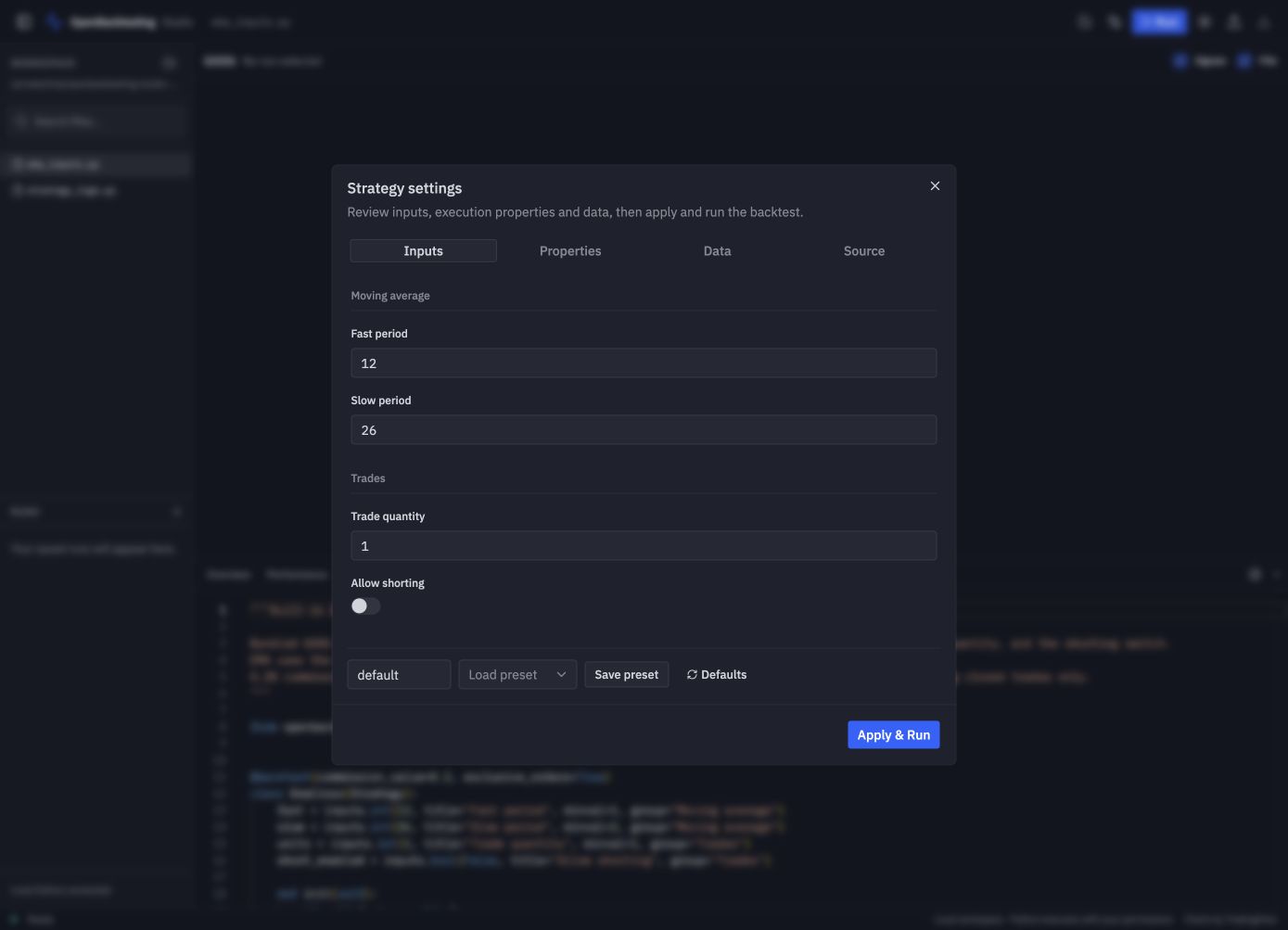
- Click Run. The first run opens Strategy settings for review.
- In Inputs, keep Fast period 12, Slow period 26, Trade quantity 1, and Allow shorting off. Keep the fast period below the slow period.
- In Properties, review cash, commissions, sizing, and execution behavior.
- In Data, keep Bundled sample → GOOG, UTC, and day × 1. No market-data download is needed.
- Click Apply & Run. Wait for the run to become succeeded and the report to appear.
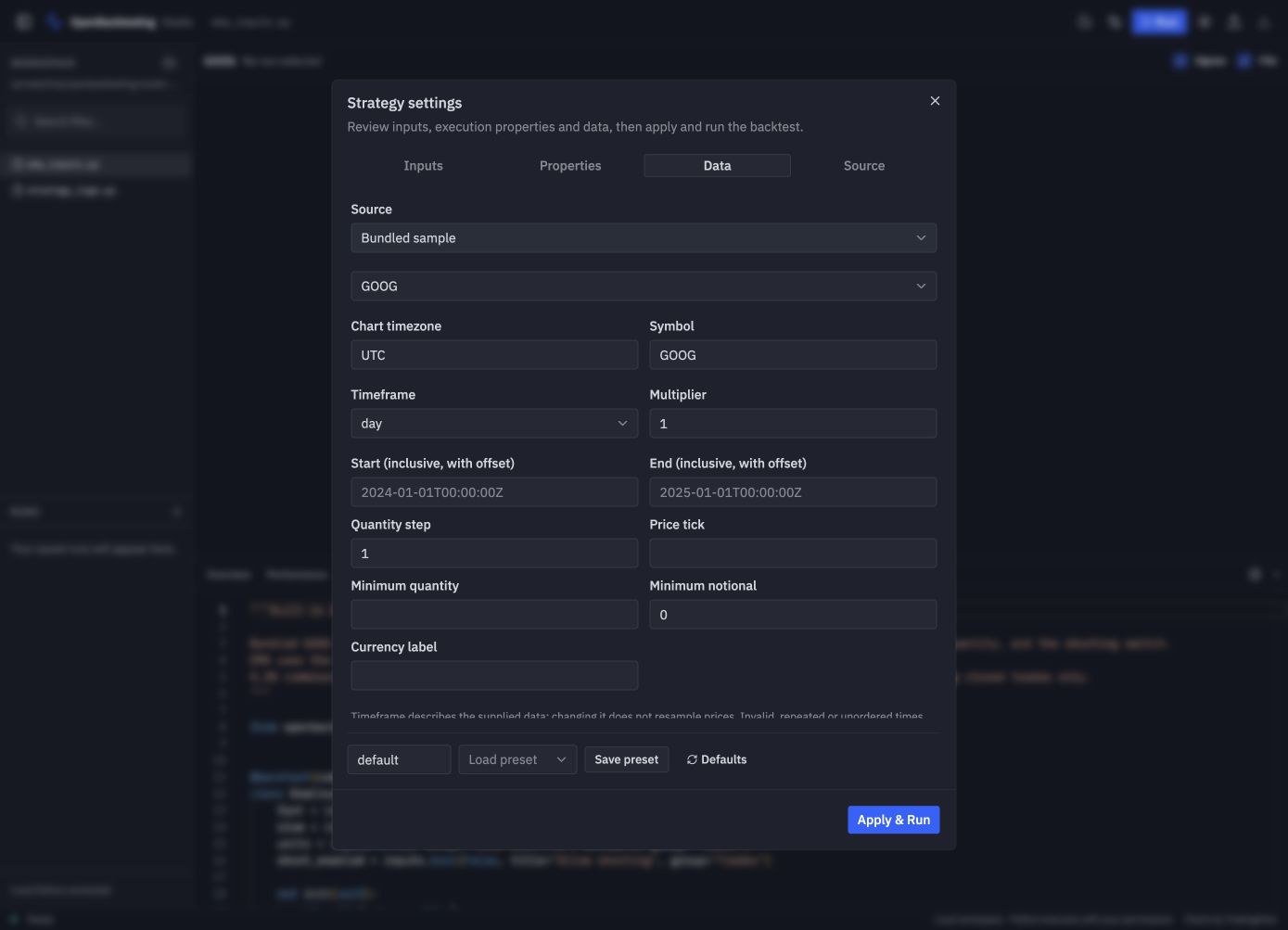
For your own data, select Workspace CSV and specify its path, time column, OHLCV columns, time encoding, and source timezone for naive timestamps. Local Python loader accepts a function that returns a DataFrame. See market data for DataFrame and timestamp requirements. Changing the timeframe label does not resample prices.