Inspect logs
Run the bundled strategy_logs.py example to explore Logs. Messages show timestamps, levels, and sources. Filter by Info / Warning / Error, source, or starting date; search supports case sensitivity, whole words, and regular expressions. A truncation notice means only the available messages are shown.
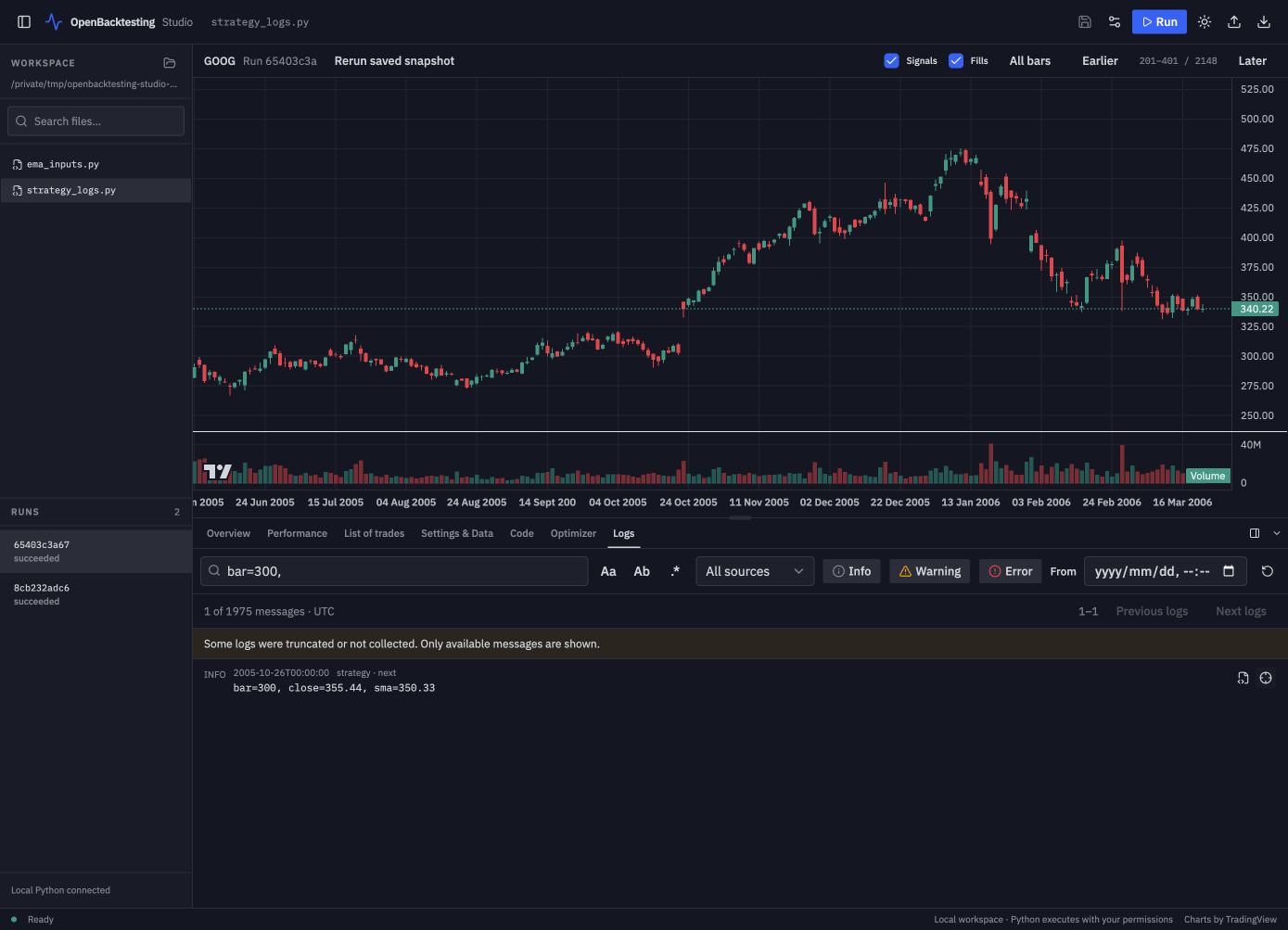
The source icon opens the captured code at its recorded line. The bar icon locates the corresponding original bar without running Python. These actions depend on the snapshot resources being available. Logs are saved backtest output, not a live log stream.